Pinyang Clothing Shares Expert Tips for Better T-Shirt Screen Printing
Mar. 31, 2026 Views:276
Nanchang Pinyang Clothing is a top company for custom clothes and screen printing T-shirts. The team cares about quality and making things special for each customer. They use their own supply chain to finish orders faster. Orders can be done up to 20% quicker than other companies. Many customers return, with 43% ordering again. Pinyang Clothing has a helpful support team that works all day and night. They make sure every project is a screen printing win. They check quality carefully, so buyers can trust what they get.
Key Takeaways
Begin with a clear t-shirt design. Pick bold fonts and colors that stand out. High contrast colors make your message easy to see.
Pick the best fabric for printing. 100% cotton gives bright colors. Blends last longer and are strong.
Get your artwork ready with vector files. This keeps prints sharp and clear. You can also resize them without losing quality.
Keep your workspace clean and neat. This stops mistakes and makes printing faster.
Check your equipment often and take care of it. Good maintenance gives better prints and fewer problems.
Preparation for Screen Printing Success
T-Shirt Design Tips
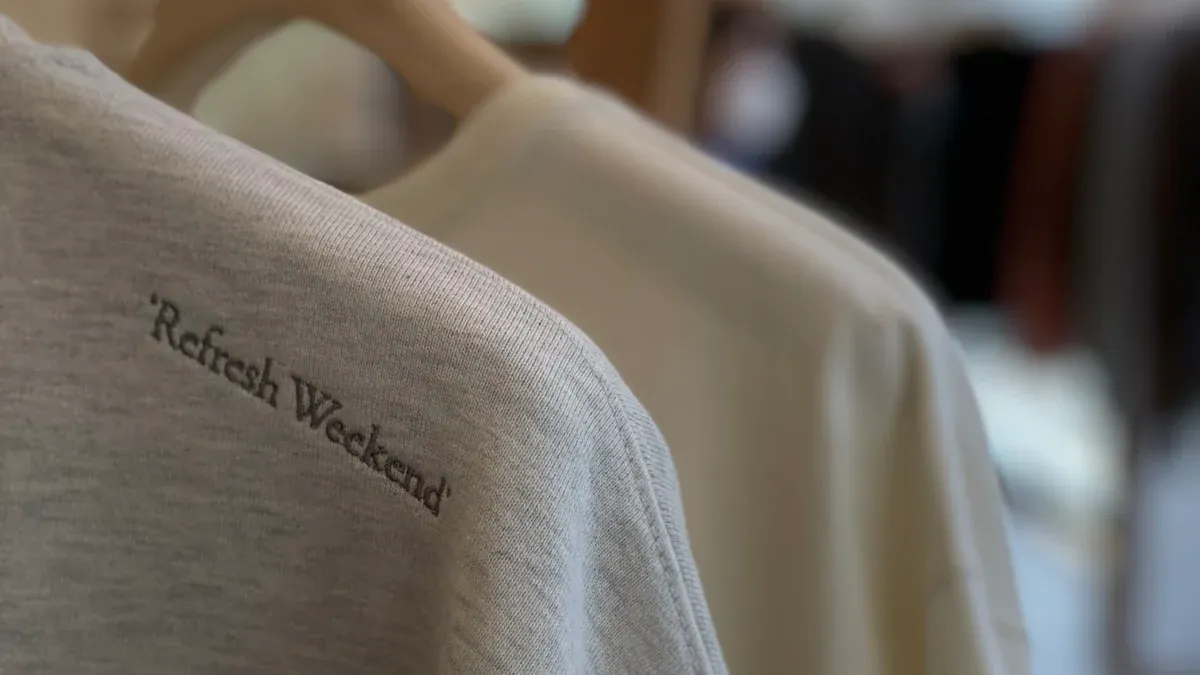
Planning comes first in screen printing. Pinyang Clothing uses its own supply chain. This keeps quality high all the way. They check materials and look at shirts at each step. When making t-shirt designs, keep messages short. Too much text makes shirts look messy. Use clear, bold fonts so people can read easily. High contrast colors make designs pop. Solid colors are best for screen printing. Designers should not use fancy fonts or colors that blend. Where you put the design matters. Designs look best in the center or where people notice them.
Principle
Explanation
Image Quality
Vector graphics make prints sharp and keep them clear.
Color Choices
Using fewer colors costs less and is easier.
Contrast
High contrast helps people see and read designs.
Typography
Bold fonts make words easy to see.
Print Placement
Good placement makes designs stand out more.
Designers should think about the fabric, too. Smooth, cotton shirts print better. Complicated designs or too many colors cost more and are harder to print. These tips help avoid mistakes and keep things simple.
Artwork Preparation
To get artwork ready, designers should use vector files. Vector graphics can get bigger without losing quality. Raster images must be at least 300 DPI at the print size. Change text to outlines and keep lines thicker than 0.5pt. Do not use tiny details that may not print well. Keep borders at least 0.25 inches from the edge. Put each color on its own layer. Use file types like AI, EPS, PDF, PSD, and TIFF. Label everything clearly and use color keys. Talking with the printer helps make sure the artwork is right.
Tool Checklist
Screen printing needs the right tools. Pinyang Clothing checks quality at every step. Having good equipment is important. Here is a simple checklist:
Emulsion and exposure unit for making stencils.
Squeegees in different sizes and hardness.
Ink types like plastisol or water-based for different finishes.
Substrates such as t-shirts, hoodies, or tote bags.
Drying and curing equipment like flash dryers or heat guns.
Washout booth and cleaning supplies for screen maintenance.
Artwork and design software like Adobe Illustrator.
A well-lit, organized workspace.
These tools help make printing smooth and give good results. Using these t-shirt design tips and preparing artwork well makes screen printing easier and better.
Choosing Materials for Screen Printing T-Shirt
Fabric Selection
Choosing fabric is the first step for a good print. Cotton is soft and takes ink well. Many companies use 100% cotton because it feels nice and shows colors bright. Cotton-polyester blends are also good. They mix cotton’s softness with polyester’s strength. These shirts last longer and do not shrink much. Tri-blends add rayon, so shirts feel lighter and have a special texture. Some fabrics are different and need extra care.
Fabric Type
Characteristics
Best For Screen Printing?
Cotton
Soft, breathable, absorbs ink, vibrant prints
Yes, for highest quality print
Polyester
Durable, resists wrinkles, needs special inks
Sometimes, with right ink
Cotton-Polyester Blend
Soft, strong, resists shrinking and fading
Yes, balanced performance
Tri-Blend
Lightweight, soft, unique texture
Yes, with proper technique
Specialty Fabrics
Varies by material
Depends on fabric
Tip: 100% cotton makes colors look brightest. Blends last longer and keep their shape after many washes.
Ink and Screen Mesh
Ink type and screen mesh count change how prints look. Cotton works best with regular inks. Polyester needs special inks to stop color from bleeding. Blends and tri-blends work with most inks. Always match ink to fabric for best results.
Screen mesh count is important, too. High mesh counts (230 or more) give sharp details for small designs. Low mesh counts (110 or 156) let more ink through. This is good for big, bold designs. The right mesh count helps colors and details look good anywhere on the shirt.
Use high mesh counts for tiny details.
Use low mesh counts for big designs.
Test ink and mesh before printing lots of shirts.
Garment Customization
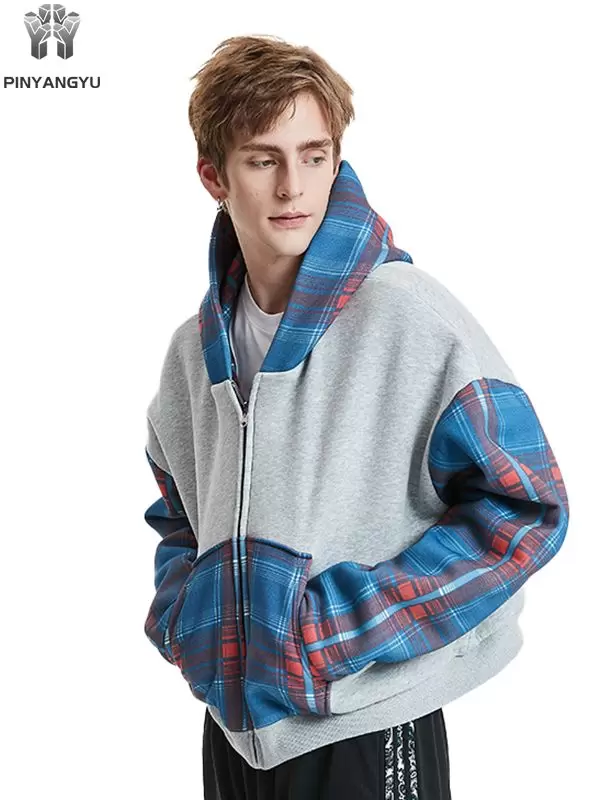
Pinyang Clothing lets customers make shirts special. People can pick fabric, color, and size. They can choose where the design goes, like front, back, or sleeve. Extra options like embroidery and puff printing add style. Eco-friendly inks and materials help brands show they care about the planet.
Customization Option
Description
Fabric Choices
100% cotton, blends, tri-blends
Print Techniques
Screen printing, embroidery, puff, DTF
Sizing
Custom size charts for a perfect fit
Color Selections
Wide range of trendy and classic colors
Placement
Front, back, sleeve, or custom
Sustainability
Organic cotton, recycled polyester, eco inks
Note: Picking the right material and placement helps brands look professional. It also saves money by stopping print mistakes.
Screen printing works best for cotton and blends. It gives clear details and strong colors that last. Sublimation is another method. It works mostly on polyester and gives all-over prints. It does not work well on cotton. Most brands get the best mix of comfort, color, and durability by screen printing on cotton or blends.
Screen Printing Process Tips
Workspace Setup
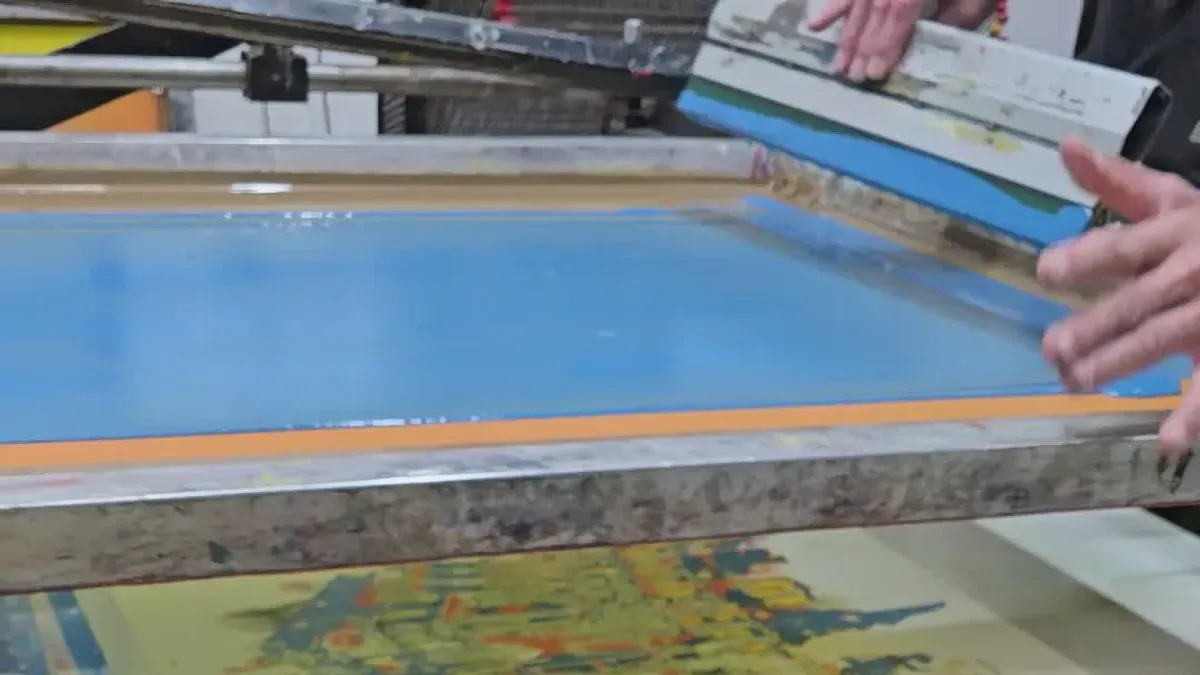
A neat workspace helps screen printing go well. Pinyang Clothing always starts with a clean space. Good lights help workers see better. Fresh air keeps everyone safe. Workers put the same tools together. This saves time and stops mistakes. They use clear bins for inks and tools. Labels make it easy to find things. This helps when customers order again. Every week, workers tidy up the area for new jobs.
Equipment Type
Description
Cutter
Cuts designs for heat transfer with accuracy.
Inks & Transfer Paper
High-quality inks and transfer paper ensure sharp prints.
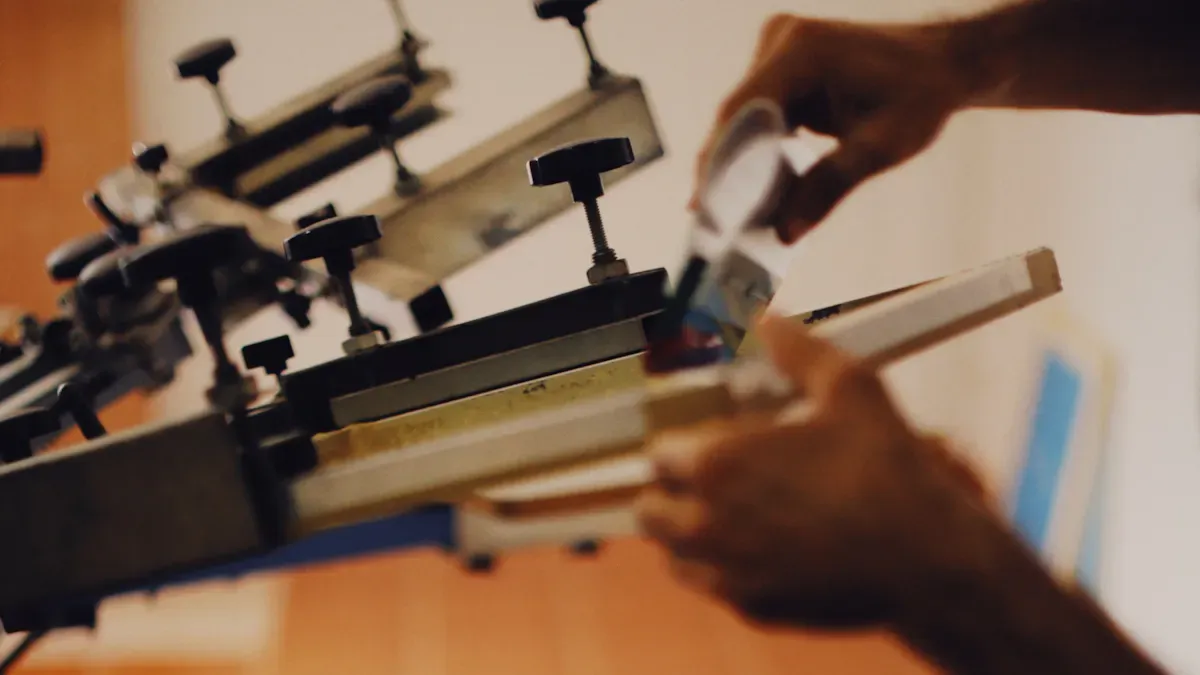
Screen Printing Machine
Handles bulk orders and offers consistent results.
Emulsion
Helps ink stick evenly to the screen.
Dryer
Sets ink into fabric for lasting prints.
Powering Equipment
Reliable power setup keeps machines running smoothly.
Safety is very important at work. Workers wear masks and gloves for chemicals. They keep safety sheets close by. Training teaches how to use all machines. Guards protect hands from moving parts. Breaks help workers stay focused. Loud music and phones are not allowed near printing.
Tip: Put tools together by what they do and use clear bins. This makes work faster and helps you find things quickly.
Ink Preparation
Getting ink ready is a big step for good prints. Pinyang Clothing picks the right ink for each shirt. Plastisol ink works well on cotton and blends. Water-based ink feels soft and is good for nice shirts. Discharge ink takes out dye from dark shirts. This makes prints soft and bright. Special inks like glitter or puff make cool effects.
Ink Type
Description
Best Use Cases
Plastisol Ink
Vibrant, needs heat curing
Apparel, high-wear items
Water-based Ink
Eco-friendly, soft feel, needs proper curing
Fashion-forward designs
Discharge Ink
Removes dye for soft prints on dark fabrics
Dark garment printing
Specialty Inks
Glitter, metallic, puff, etc.
Custom designs
Workers mix ink until the color looks even. They check if the ink is too thick or thin. If it is too thick, they add a little thinner. If it is too thin, they add thickener. The room stays between 20°C and 26°C. Humidity is between 45% and 60%. This helps ink flow well and dry right.
Cure plastisol inks at 160°C for 1–3 minutes.
Cure water-based inks at 150°C for 2–5 minutes.
Use a flash dryer for single-layer prints.
Use a tunnel dryer for big orders.
Watch the heat so ink does not get ruined.
Tip: Mix ink well and test it on a digital mock-up first. This helps you fix color problems before printing.
Color Management
Color management makes shirts look bright and the same. Pinyang Clothing uses color tools to check screens. ICC profiles help match printer colors. Spectrophotometers check color spots for accuracy. Printers get checked often to keep colors right.
Workers mix ink to match the color chart. Pantone colors help pick the right shade. They set up the print job carefully. This keeps colors the same on every shirt. Mixing ink right and setting up well stops color mistakes.
Color tools help show true colors.
ICC profiles match printer colors.
Spectrophotometers check color spots.
Printers get checked often.
Pantone colors help pick exact shades.
Note: Always check your digital mock-up with the color chart before you start. This step helps you avoid big mistakes.
Printing Techniques
Printing techniques decide how good the print will look. Pinyang Clothing uses clear designs for sharp prints. They line up screens so edges are not blurry. The same pressure and ink amount make shirts look alike. Quality checks catch problems early.
Workers test prints by washing and checking colors. These tests show if ink lasts a long time. They use feedback and data to get better. Big machines print many shirts and keep results steady. Eco-friendly inks show brands care about the earth.
Use tests to check if prints last.
Use feedback to improve.
Make clear designs for sharp prints.
Line up screens for good results.
Keep pressure and ink the same.
Check prints often for quality.
Tip: Try different printing ways on a mock-up first. This helps you pick the best way for your project.
Pinyang Clothing’s tips help you master the process. Buyers, engineers, and managers can trust these steps for good results. With a neat workspace, good ink, color checks, and smart printing, every project gets closer to a perfect print.
Troubleshooting and Screen Printing Tips
Screen printing can deliver amazing results, but even the best setups face challenges. Pinyang Clothing knows that a smooth process starts with smart planning and continues with quick problem-solving. This section covers common mistakes, how to fix print issues, and the best ways to care for your equipment. These design tips will help anyone who wants to create custom t-shirts that stand out.
Avoiding Mistakes
Mistakes can happen at any stage of screen printing. Knowing what to watch for makes a big difference. Pinyang Clothing recommends using these design tips to keep your prints sharp and your process smooth.
Mistake
How to Avoid
Low-resolution artwork
Use high-resolution images (at least 300 DPI) and create vector graphics for scalability.
Inadequate screen tension
Regularly check screen tension with a meter and re-tension or replace screens as needed.
Inconsistent substrate positioning
Use pallet tape and alignment guides to ensure consistent positioning of substrates.
Overloading the screen with ink
Conduct test prints to gauge ink quantity and scrape off excess ink after application.
Ignoring environmental conditions
Maintain consistent temperature and humidity levels in the printing area.
Not conducting regular maintenance
Clean equipment after each use and inspect for wear and tear regularly.
Using the wrong mesh count
Choose the right mesh count based on the design and ink type, and test different counts.
Rushing the process
Allocate sufficient time for each step and prioritize quality over speed.
Some printers use the same mesh for every project. This can lead to print defects, especially when switching between fine graphics and bold designs. Always choose the right colours and mesh count for each job. Dirty equipment causes contamination and ruins prints. Clean all screen printing supplies between projects. Not thinning ink can make prints look rough or uneven. Add a reducer if the ink feels too thick. Inspect equipment often and tighten any loose parts. These design tips help prevent problems before they start.
Tip: Readability is key. Use bold fonts and high-contrast colors so your message stands out. Always consider your market when planning a new graphic.
Fixing Print Issues
Even with the best design tips, problems can pop up during printing. Quick fixes and smart troubleshooting keep your workflow on track.
Blurring or ghosting: This happens when ink spreads or edges look fuzzy. Slow down the printing speed and adjust the vacuum to keep the shirt flat. Make sure the screen and shirt have good contact.
Bubbling: Too much ink or printing too fast can cause bubbles. Use a harder squeegee and thin the ink a bit.
Contamination: Dust and lint can stick to wet ink. Clean the screen and workspace often to avoid this.
Inconsistent ink: If ink looks different from shirt to shirt, check the viscosity with a rheometer. Add additives if needed to keep ink smooth.
Ink coverage failure: Thick or silicone-heavy ink may not cover well. Adjust the formula so the ink layers properly.
If you spot a misprint or ink smudge, act fast. Use a spot gun to remove stray ink. Patch small pinholes by blending in extra ink and re-curing the shirt. For rough prints, press the shirt with a heat press and a silicone sheet to smooth it out. If a shirt cannot be fixed, get creative. Cut it into strips for cleaning, use it for test prints, or turn it into a tote bag.
Let ink dry and cure fully before handling shirts.
Avoid using too much ink during printing and drying.
Handle wet fabric gently to prevent smudging.
Store printed shirts only after the ink has cured.
Use ink additives or fixatives to make prints last longer.
Note: Always test your design tips on a sample shirt before starting a big order. This helps catch print defects early.
Equipment Care
Taking care of your screen printing supplies and machines keeps your shop running smoothly. Regular maintenance means fewer breakdowns and better prints.
Clean all equipment daily to stop ink and debris from building up.
Lubricate moving parts to reduce friction and wear.
Inspect squeegees, bearings, and other wearable parts. Replace them if they look worn.
Check electrical connections for safety and smooth operation.
If you store machines for a long time, do seasonal maintenance to prevent rust and moisture damage.
Preventive maintenance helps spot problems before they cause downtime. Keep your workspace clean to avoid residue that can affect print quality. Monitor temperature, humidity, and air quality to keep conditions just right for printing.
Proper care extends to the shirts themselves. Wash printed shirts inside out to protect the design. Use cold water and a gentle cycle to stop colors from bleeding. Air dry shirts instead of using a dryer to avoid heat damage. These steps help your custom t-shirts look great wash after wash.
Tip: Source a good printer and invest in quality screen printing supplies. This makes maintenance easier and results more reliable.
Pinyang Clothing’s design tips focus on preparation, practice, and ongoing care. With these habits, anyone can create custom t-shirts that impress customers and last a long time.
Pinyang Clothing gives tips to help you make cool t-shirts. They say to pick the best print method for your shirt. Try screen printing or DTF for strong, bright designs. Choose fabrics that last a long time. Get ready by making good artwork and setting up screens right. Curing is important for prints that stay nice. If you learn the steps, your shirts will look great and last longer. Their team helps you any time, day or night. You can change your shirt in many ways. You can dream big and believe in your ideas. Keep trying to get better. You can always get great results and show your own style. 🚀
FAQ
What makes screen printing t-shirt designs last longer?
Screen printing t-shirt designs last longer because the ink bonds with the fabric. Pinyang Clothing uses high-quality inks and checks every t-shirt for durability. They recommend curing each t-shirt at the right temperature. This process keeps colors bright after many washes.
How do I prepare vector artwork for a t-shirt?
Designers create vector files using software like Adobe Illustrator. Vector graphics keep lines sharp and clear. Pinyang Clothing suggests saving each t-shirt design as a vector file. They check every t-shirt artwork for size and resolution before printing.
Can I print detailed images on any t-shirt fabric?
Some t-shirt fabrics work better for detailed prints. Cotton t-shirt material absorbs ink well. Blends also give good results. For fine details, use vector artwork and a high mesh count. Pinyang Clothing tests each t-shirt to make sure the print looks sharp.
What is the difference between screen printing t-shirt and sublimation?
Screen printing t-shirt uses ink pressed through a mesh onto the t-shirt. Sublimation turns ink into gas and bonds it with polyester t-shirt fabric. Screen printing t-shirt works best for cotton and blends. Sublimation is good for all-over prints on polyester t-shirt material.
How can I avoid mistakes when printing a t-shirt?
Pinyang Clothing recommends checking every t-shirt for dust and lint. Use vector files for artwork. Test each t-shirt print before starting a big order. Clean screens and tools after every t-shirt job. These steps help prevent common screen printing t-shirt mistakes.
This website uses cookies to provide you with a safer and more personal experience. By accepting, you agree to the Cookie Policy and the use of cookies for advertising and analytics purposes.


 en
en

 Leave a Message